Open-source thumbnail studio · Mac / Windows / Linux
Backstage is the pro-grade desktop studio for YouTube creators. Real layers, AI generation on your own Gemini key, frame-perfect video stills — all running 100% on your machine.
🔥 $29 until May 25 — then $35
One studio. Three acts.
Pull the frame
Drop in any MP4 or MOV. Scrub frame by frame with arrow keys and extract stills at full source resolution — no screenshot workarounds, no quality loss.
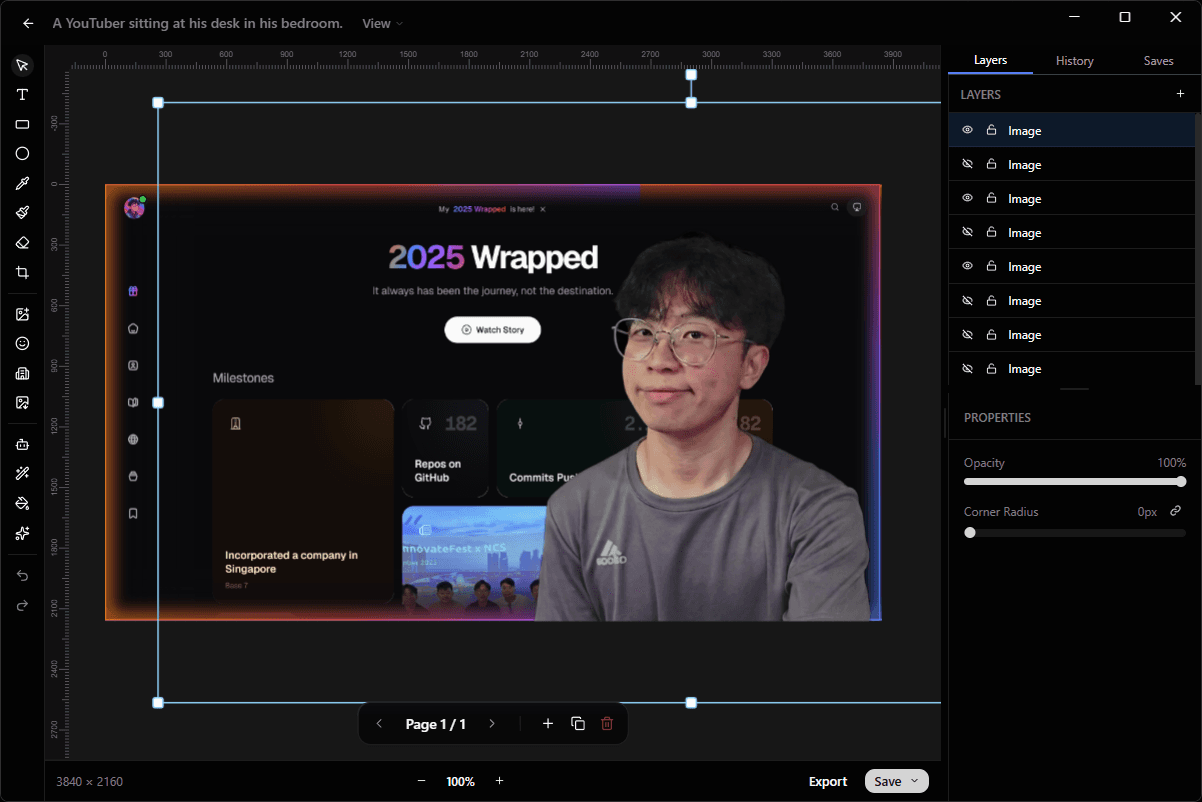
Stack the layers
A real layer engine: toggle, lock, group, reorder. Background removal runs on-device in WebAssembly, so your subject pops in one click — even on a plane.
Summon the shot
Describe the backdrop you wish you'd shot. Gemini paints it in 16:9 on your own API key — four variants for about sixteen cents, no credits, no quota.
A retro CRT television glowing on a dark workshop bench, dramatic rim light, 16:9
The math is rude.
Everyone else re-bills you every month for the same pixels. Backstage charges once, and your AI spend goes straight to Google at API rates — most creators pay under $2 a month.
Nothing leaves the building.
Backstage is a native desktop app, not a web wrapper with your files on someone else's server. Your projects, your source files, your API keys.
Never phones home
Background removal runs in WebAssembly on-device. Video frames never leave your disk. Your unfinished thumbnails don't exist on anybody else's hard drive.
Plain folders, your disk
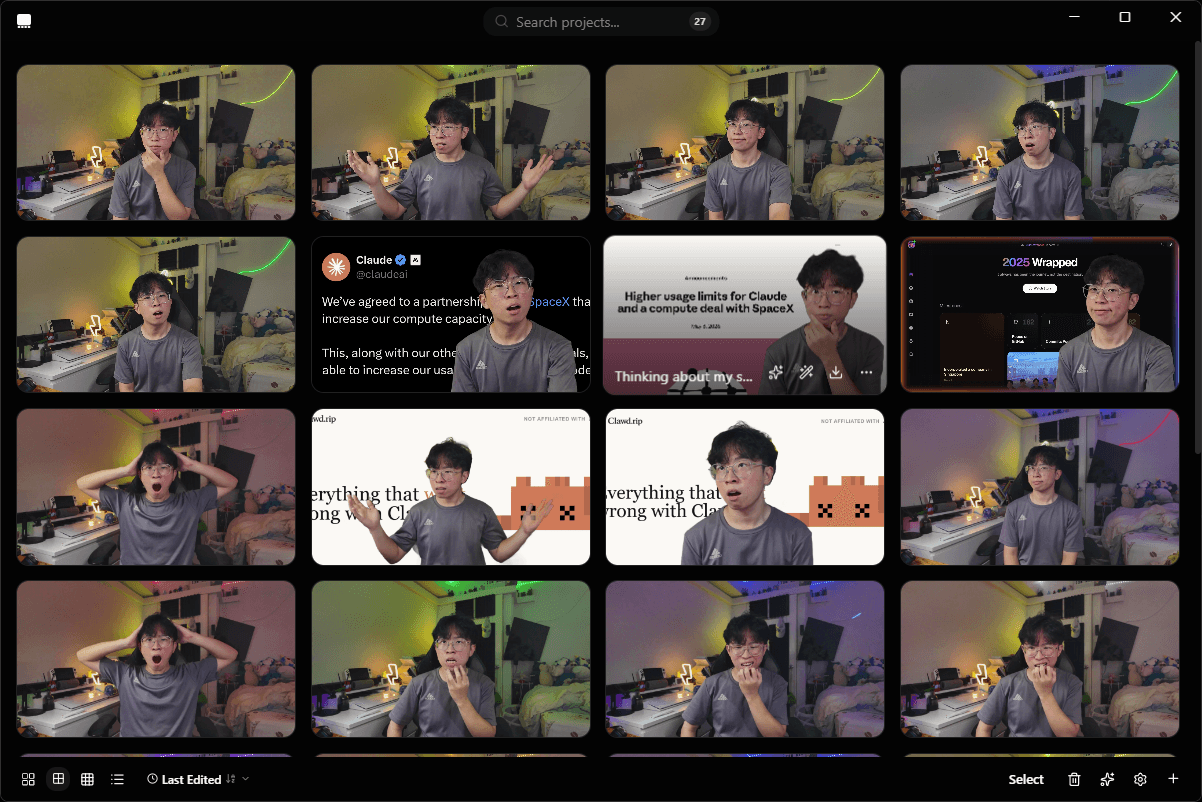
Projects live on your filesystem as plain folders. Move them, sync them in Dropbox, version-control them in git. No proprietary cloud lock-in.
Keys in your keychain
Your Gemini key lives in the native OS secure store: macOS Keychain, Windows Credential Manager, libsecret. Never plaintext on disk. Never seen by us.
Receipts.
Read the source.
Every line of Backstage is on GitHub: the desktop app, the layer engine, the AI integrations. The one-time purchase is for the prebuilt, signed, auto-updating binaries — including 1 year of updates. Rather compile it yourself? That's free.
One ticket. Every show. Forever.
Early bird pricing locks in your rate forever. The price goes up every 100 customers — next stop $35 on May 25.
Backstage Lifetime
One payment. Every feature. Every platform. Yours forever, with 1 year of updates included.
- Layer editor, AI tools, video extractor, carousel
- Mac, Windows, and Linux signed binaries
- 1 year of updates (template library, A/B analyzer, more)
- Priority email support, direct from the dev
- Use on every device you own
USD, tax included. Billed once via Polar. No auto-renewal. No card on file.
Buy Backstage LifetimeSecure checkout via Polar. Instant license delivery.
30-day no-questions refunds.
Straight answers.
You hire Backstage once for $29 and it works on your machine forever — no subscription, no expiry, no "AI credit" meter. Your purchase includes 1 year of updates from the day you buy. After that year, your app keeps running exactly as it was; you just won't receive new versions unless you renew. If we shut down tomorrow, your designer keeps working because it lives on your machine, not ours.
Last call
Hire your designer tonight.
Pay $29 once. No monthly salary, no creative briefs, no Slack DMs.
30-day refunds · No card on file · Yours forever